Automation playbooks
How to Automate Invoicing and Get Paid Faster with AI
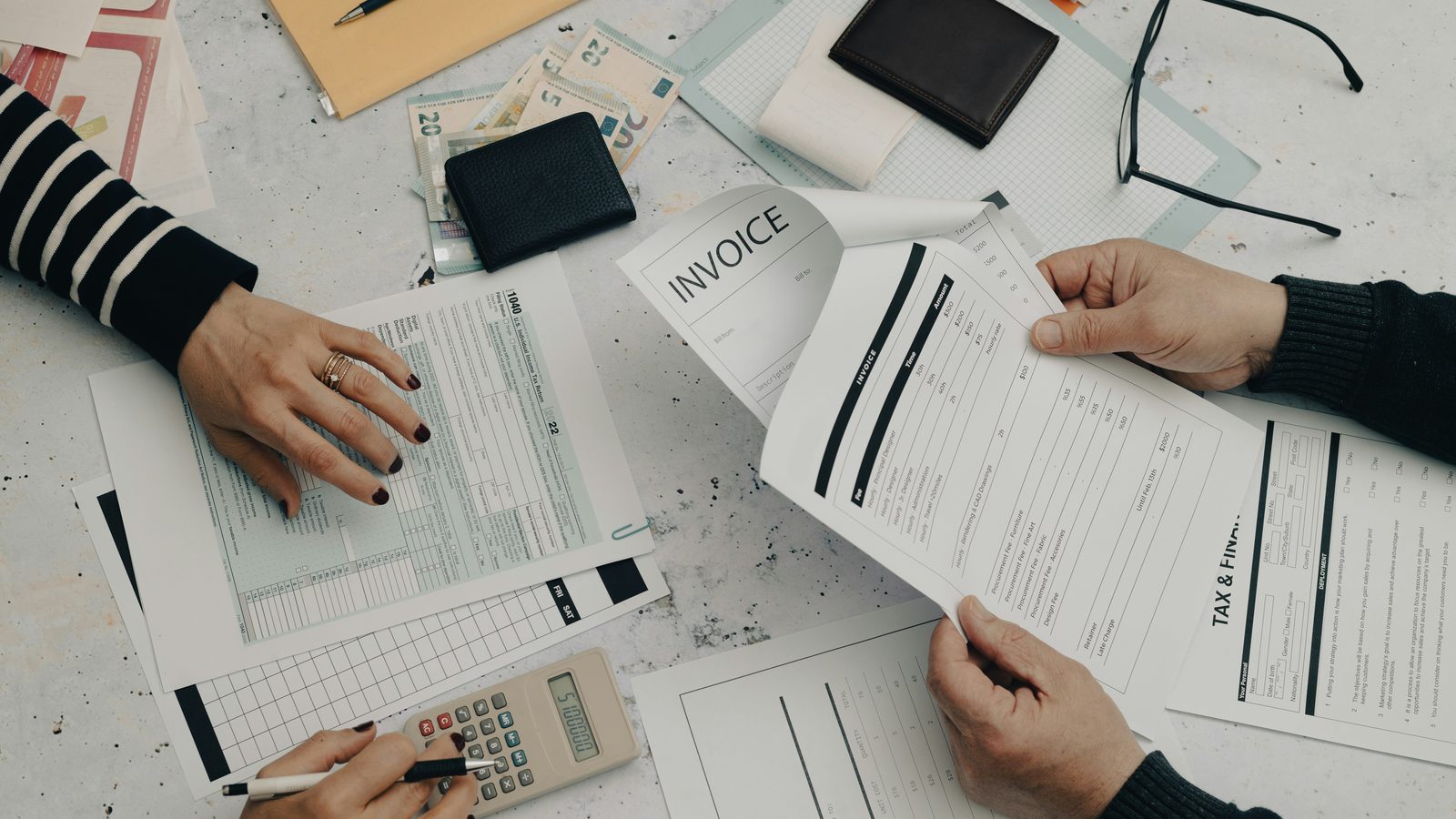
The work is done, the customer’s happy, and the invoice is still sitting in your head three days later. Then it’s a week. Then you’re sending the awkward “just following up” text you’ve been dreading. Slow invoicing isn’t a paperwork problem — it’s a cash-flow problem wearing a paperwork disguise.
AI can take the whole grind off your plate: turning notes into invoices, sending them the same day, chasing the late ones politely, and matching payments as they land. Here’s how to automate invoicing so you get paid faster and stop being your own debt collector.
Why slow invoicing quietly drains your business
Most owners don’t bill late because they’re lazy. They bill late because invoicing happens after a long day, when the last thing you want is admin. So it slides. And every day it slides, your money sits in someone else’s account.
The damage stacks up in ways that are easy to miss:
- Cash arrives later, so you’re floating materials and wages out of your own pocket.
- Late invoices get paid even later — a customer who’d have paid a same-day invoice on the spot has moved on by the time yours shows up.
- Chasing eats your evenings and strains relationships you’d rather keep warm.
- Mistakes creep in when you’re rushing — wrong amounts, missing details, the line item you forgot to add.
The fix isn’t “try harder to invoice on time.” It’s removing yourself from the boring parts so it happens automatically.
Turn job notes into a finished invoice
This is where AI shines first. Instead of starting from a blank template at 9 p.m., you hand it a rough note — the same scribble you’d jot anyway — and get back a clean, formatted, on-brand invoice ready to review.
Type or dictate something like “supply and fit 12 sqm oak flooring, two days labour, plus underlay” and the AI drafts the line items, applies your rates, adds tax, and fills in the customer details. You glance, tweak if needed, and send. A ten-minute job becomes a ten-second one.
It works the same way for quotes and proposals, which means the entire money trail — quote to invoice to receipt — can run from short notes instead of fiddly forms. If you’re in a hands-on trade, this is often the single biggest time-saver we set up; our AI for trades and contractors page covers the full picture.
Chase late payments without the awkwardness
Here’s the part everyone hates and nobody does well: following up. AI handles it for you, on a polite, professional schedule, so you never have to send that cringey reminder again.
A typical automated chase sequence looks like this:
- A friendly nudge a few days before the due date — “just a heads-up, this is due Friday.”
- A gentle reminder the day it’s due, with the payment link right there.
- A firmer follow-up a week past due, still professional, still on-brand.
- A flag to you if it’s seriously overdue, so a human can step in for the rare case that needs it.
Because it’s automatic and consistent, it doesn’t feel personal or confrontational to the customer — it just feels like a well-run business. And consistency is exactly what gets invoices paid. Most late payers aren’t refusing; they simply forgot, and a timely reminder is all it takes.
Reconcile payments so the books match reality
The other invisible time-sink is matching money to invoices — confirming what’s been paid, what’s outstanding, and what needs chasing. AI can watch your payment feed and reconcile incoming payments against open invoices automatically, marking them paid and updating your records.
That gives you something most small businesses never have: a live, accurate picture of who owes you what, without manually ticking off a spreadsheet. You glance at the tools you already use and instantly see what’s landed and what’s still out. No surprises, no month-end scramble.
What to keep a human on
Automation should speed up your cash flow, not hand over the keys entirely. A few guardrails keep it safe and sane:
- Approve before send, at least at first. Let the AI draft and queue invoices; you give the nod until you trust the output. Then loosen up.
- Keep judgment calls human. Disputes, goodwill discounts, a long-time customer going through a rough patch — those need you, not a script.
- Protect your data. Invoicing touches customer and financial details, so use business-grade tools with proper privacy practices, not random free apps.
- Review the edge cases. Glance at the seriously overdue list weekly. The automation handles the routine; you handle the exceptions.
The point is to delete the repetitive 90% — the drafting, sending, and reminding — so your attention goes only where it’s actually needed.
A simple way to start
You don’t need to overhaul your whole finance stack on day one. Start with the one step that hurts most. If invoices go out late, automate note-to-invoice so they go same-day. If they go out fine but sit unpaid, switch on automated reminders first. Pick the leak that’s costing you the most cash, plug it, then add the next piece. Small and reliable beats a big-bang rebuild that never ships.
Get paid faster, chase less
Automated invoicing is one of the most direct ways AI puts money back in your business — not by some abstract efficiency gain, but by getting cash into your account days or weeks sooner and freeing your evenings from admin. The build is straightforward; the hard part is wiring it cleanly into the tools you already use.
That’s what Intelligie does. We set up the note-to-invoice, reminders, and reconciliation around your existing workflow and train your team to run it — for a flat monthly fee you can pause or cancel anytime. See our pricing or book a 15-minute intro call, and we’ll map the first piece you could switch on next week.
// faq
Frequently asked questions
How does AI turn my job notes into an invoice? +
You type or dictate a rough note — like 'supply and fit 12 sqm oak flooring, two days labour, plus underlay' — and the AI drafts the line items, applies your rates, adds tax, and fills in the customer details. You glance, tweak if needed, and send. The same approach works for quotes and proposals.
Won't automated payment reminders annoy my customers? +
Done right, they feel like a well-run business, not nagging. A typical sequence is a friendly heads-up before the due date, a gentle reminder on the day with the payment link, and a firmer note if it's overdue. Most late payers simply forgot — a timely, consistent reminder is usually all it takes.
Is it safe to let AI handle invoicing and payment data? +
Invoicing touches customer and financial details, so use business-grade tools with proper privacy practices rather than random free apps. It's also wise to keep approval in human hands at first — let the AI draft and queue invoices, and you give the nod until you trust the output.
What parts of invoicing should still be done by a human? +
Judgment calls: disputes, goodwill discounts, or a long-time customer going through a rough patch need you, not a script. It's also worth glancing at the seriously-overdue list weekly. The automation handles the routine drafting, sending, and reminding; you handle the exceptions.
Where should I start if I want to automate invoicing? +
Start with the one step that hurts most. If invoices go out late, automate note-to-invoice so they go same-day; if they go out fine but sit unpaid, switch on automated reminders first. Plug the leak costing you the most cash, then add the next piece. Intelligie sets up note-to-invoice, reminders, and reconciliation around your existing workflow for a flat monthly fee you can pause anytime.
Want this built for you?
Intelligie is your on-demand AI department. We’ll build the automations and agents in this article into your business — and train your team to run them. Flat monthly fee, pause anytime.